
EdApp: Mobile LMS
SafetyCultureBusiness
4.3260.00 Reviews
- Version
- 2.180.0
- Installs
- 500.00K
- Age Rating
- Everyone
Screenshots
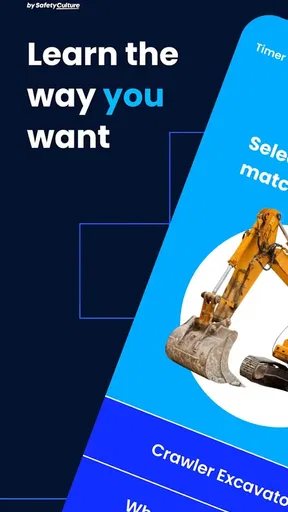
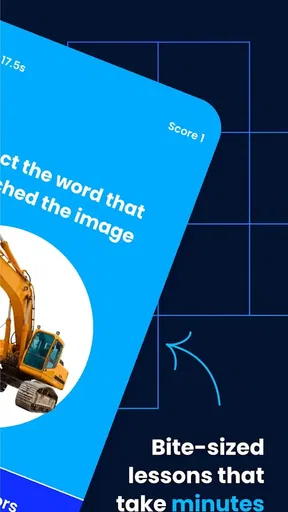
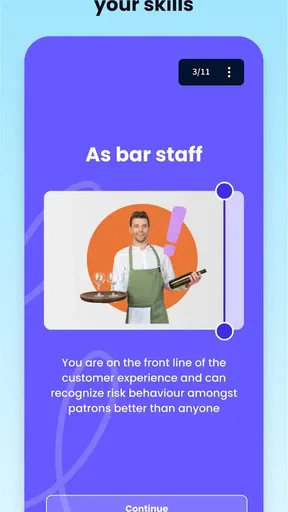
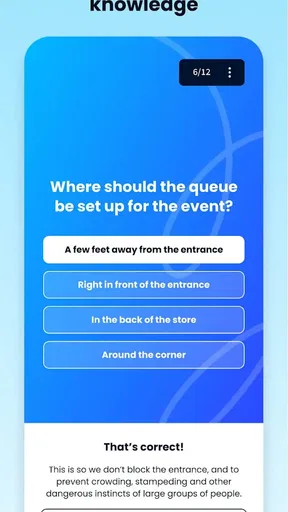
Our Review of EdApp: Mobile LMS
 Analysis by Appyee
When a team needs to turn scattered knowledge into short, repeatable lessons, EdApp: Mobile LMS feels more practical than a traditional course platform. I approached it as a workplace learning app rather than a general education tool, and that distinction matters. Its focus is the small lesson: something an employee can complete between tasks, revisit on a phone, and apply during the working day.
That makes it especially interesting for businesses with staff who are rarely sitting at a desk. A restaurant supervisor, retail manager, field technician, or warehouse lead can use a mobile learning format more naturally than a long desktop course. At the same time, I would not treat it as a complete replacement for every learning system. Its value depends on how well a company breaks information into useful pieces and keeps the handoff from lesson to real work clear.
From scattered instructions to a usable learning workflow
I look at the workflow as a chain of small handoffs: someone identifies a recurring problem, an author turns it into a focused lesson, and a worker applies it during a real task. Keeping those roles clear helps prevent mobile training from becoming a pile of disconnected reminders. The next section looks at how to shape that chain around the people who actually need to learn.
Starting with the problem the team actually has
The strongest use case begins with a specific operational problem: new staff forget a safety step, sales employees need a product refresher, or managers keep repeating the same explanation. EdApp, developed by SafetyCulture, is built for that kind of recurring knowledge gap. It belongs in the business category, and the store summary describes its purpose as better microlearning. In everyday terms, I see it as a way to turn a large topic into manageable training moments.
Before creating anything, I would resist the temptation to move an entire handbook into the app. That usually produces lessons that are technically complete but unpleasant to finish. A better starting point is one outcome. For example, instead of “understand food safety,” the target could be “identify the correct cooling procedure before the next shift.” That narrower goal gives the lesson a clear ending and makes it easier to judge whether the training helped.
This is one of the less obvious strengths of a mobile LMS: it forces the author to think about the learner’s available attention. A phone-based lesson is not automatically good microlearning. The useful work happens when the manager removes background material, keeps one idea in view, and connects it to a decision the employee must make. EdApp can support that approach, but it cannot make an unfocused training plan focused by itself.
Building a lesson that survives a busy day
My preferred workflow would be to divide the subject into a sequence of short lessons rather than one large presentation. The first could introduce the situation, the next could show the correct response, and the last could check whether the learner can recognize a mistake. This structure is more useful than simply placing a policy document on a phone because it creates a path from explanation to recall.
For a retail team, imagine a new product launch. The manager could prepare one lesson about the product’s purpose, another about the customer questions staff are likely to hear, and a final one about the approved demonstration. The handoff is important: the employee finishes the lesson, then uses the same language on the shop floor. If the training never reaches that second step, completion becomes a statistic rather than a business result.
I also found that the small-screen setting changes how content should be written. Long paragraphs are tiring, especially when someone is standing in a stockroom or waiting between appointments. Short prompts, recognizable examples, and one decision at a time are easier to use. The app’s mobile-first identity is therefore not just a convenience; it is a design constraint that can improve training when the author respects it.
One practical tip is to write the lesson from the employee’s point of view. Ask what they see, what they need to decide, and what could go wrong. That produces better material than copying language from an internal policy. It also exposes gaps before launch. If a question depends on information employees cannot access during work, the problem is in the workflow, not in the learner.
What happens after the lesson is assigned
The next stage is getting the right lesson to the right people at the right moment. This is where an LMS differs from sending a document in email or placing a video in a shared folder. A file can be opened and forgotten; a structured learning task gives the team a more deliberate route through the material.
For a small business, the appeal is clear. A manager can use EdApp for onboarding, recurring refreshers, or a focused change in procedure without asking every employee to attend the same meeting. The free price also lowers the barrier to trying it, particularly for a team that wants to test mobile learning before committing to a larger training platform. The app is rated for Everyone, which makes its general audience broad, although the content a company creates still needs its own judgment and review.
At this point, I would set expectations carefully with learners. A short lesson is easier to fit into a shift, but “short” does not mean optional in practice. Employees need to know why the topic matters and what they should do after finishing it. If the lesson is presented as another administrative chore, engagement will suffer even when the material is well written.
There is also a useful trade-off here. Mobile access can reach people who do not use a computer regularly, but phones introduce distractions. A worker may begin a lesson during a break and then be interrupted by a customer, colleague, or urgent message. For important training, I would give the learner a realistic time and place to complete it rather than assuming that a mobile format solves the attention problem.
The handoff from author to learner
A successful training flow has at least two handoffs. The first is from the person who knows the procedure to the person who creates the lesson. The second is from the lesson to the employee who must act on it. EdApp is most useful when those handoffs are planned instead of left to chance.
Suppose a warehouse changes its process for handling damaged goods. The operations specialist knows the correct procedure, but may explain it using internal shorthand. The training author needs to translate that knowledge into clear mobile steps. Then the supervisor needs to reinforce the same steps during the shift. If those three versions differ, the learner receives conflicting instructions and the app becomes part of the confusion.
I would therefore test every lesson with someone who did not write it. Ask that person to complete it without verbal help, then describe what they would do in a real situation. This catches a subtle problem that ordinary proofreading misses: a lesson can sound clear to an expert while remaining ambiguous to a newcomer. A mobile LMS makes delivery easier, but it does not remove the need for this human test.
Another concrete improvement is to add a workplace cue at the end of the learning sequence. That cue might be a question for the next team meeting, a reminder to check a piece of equipment, or a prompt for the supervisor to observe one behavior. The point is not to invent extra paperwork. It is to make the handoff visible, so the employee knows how the lesson connects to the next action.
Following the result instead of stopping at completion
The outcome I would look for is not simply that people opened the app. The more meaningful result is a change in confidence, consistency, or behavior. If a team is learning a customer-service procedure, the manager should listen for whether employees use the new approach. If the subject is safety, the supervisor should watch whether the critical step appears during normal work.
This is where EdApp can fit into a broader business routine. The app can deliver the learning moment, while a manager or team lead checks the practical result. That division of labor is healthy. Software is good at making training available in a repeatable format; it is less suitable as the only source of judgment about whether a complex workplace behavior has been mastered.
For an everyday scenario, picture a café introducing a revised opening checklist. Before the first shift, staff complete a short lesson explaining the order of the checks and the reason behind the change. During opening, the shift lead watches the process and corrects one missed step. Later, the team revisits the part that caused confusion. The app handles the consistent explanation, while the workplace supplies context and feedback. That is a stronger workflow than either a meeting alone or a lesson alone.
The app has attracted a substantial audience, with over half a million installs and an average rating of 4.3 from around nine thousand ratings. I take that as a sign that the mobile learning idea resonates with many users, not as proof that every company will get the same result. Training tools are judged heavily by the quality of their content, the discipline of their managers, and the time available to learners.
Where the flow breaks
The first weak point is content maintenance. A lesson that was accurate when published can become misleading after a procedure, product, or regulation changes. Because short lessons feel easy to create, a team may produce many of them and then forget to review them. I would assign clear ownership for each topic and schedule a regular check, especially for safety-sensitive material.
The second problem is over-compression. Microlearning works well for a single decision or reminder, but it is not ideal for every subject. Complex judgment, delicate conversations, and hands-on equipment skills often need coaching, discussion, or supervised practice. EdApp can be part of that program, but I would choose a classroom, live video session, or direct mentoring when the learner must explore uncertainty rather than recall a defined step.
The third friction point is motivation. A phone makes training accessible, yet it can also make it feel disposable. If employees receive lessons without explanation, feedback, or time to complete them, the platform may be blamed for an adoption problem created by management. The best response is not simply to add more reminders. It is to explain the purpose, keep the sequence relevant, and show how learning affects the employee’s real responsibilities.
There is also a question of fit for organizations that already depend on a deeply integrated learning environment. If a company needs a highly customized academic structure, extensive reporting, or a complex connection to other internal systems, a larger enterprise LMS may be a better choice. EdApp’s appeal is its focused mobile experience, not the promise that one tool will cover every administrative and instructional need.
How it compares with familiar alternatives
The usual alternatives each solve a different part of the problem. Email is quick, but lessons disappear into inboxes and offer little learning structure. Shared documents are easy to edit, but they place the burden on employees to read and remember everything. Video libraries can demonstrate a process, yet a long video may not check whether the learner understood the important decision.
Traditional classroom training offers valuable discussion and immediate clarification, especially for sensitive or complicated subjects. Its weakness is consistency: different instructors may emphasize different details, and scheduling everyone together can be difficult. EdApp is stronger when the organization needs a repeatable baseline that people can access on a phone, while live instruction remains useful for practice and questions.
Compared with a full-scale corporate LMS, the mobile microlearning approach feels less intimidating for a narrow training campaign. That can be an advantage for a small team or a department trying to improve one process. The trade-off is that the organization still needs a sensible plan for ownership, reinforcement, and record-keeping. A simpler learner experience does not eliminate those responsibilities behind the scenes.
Who should try it, and who should skip it
I would recommend EdApp to teams that have practical knowledge to distribute in small portions, employees who work away from desks, and managers who want to replace repeated explanations with a consistent learning path. It also makes sense for organizations testing mobile training for the first time because the app is free and available to an Everyone audience.
I would be more cautious if your training depends mainly on long-form theory, open-ended discussion, or physical practice. I would also look elsewhere if your priority is a highly elaborate learning administration system rather than quick, focused lessons. In those cases, a conventional LMS, a classroom program, or a blended approach may serve the goal better.
The current version is 2.180.0, and the app supports devices running Android 7.1 or later. Those details make it accessible to many older Android devices, which can matter for businesses that issue a mixed collection of phones. Still, I would test the actual devices used by staff before a broad rollout, particularly if the workforce relies on older hardware or has limited opportunities to troubleshoot technical problems.
My verdict after following the workflow
EdApp: Mobile LMS works best when it is treated as the delivery layer in a complete training workflow. Start with one workplace outcome, reduce the subject to focused lessons, give employees a clear reason to participate, and connect completion to an observed action. That approach uses the app’s strongest quality—accessible microlearning—without pretending that software alone creates competence.
I like the way its mobile focus encourages concise, usable training, and the free entry point makes experimentation realistic. My reservations are equally practical: poorly designed lessons remain poor, mobile access can compete with workplace distractions, and complex learning still needs human guidance. The app is not the right answer for every business education problem, but for a team trying to move repeatable knowledge from an expert’s head to an employee’s daily routine, it is a sensible tool to test.
In my view, the deciding question is simple: can your topic be expressed as a series of small decisions that someone must apply at work? If yes, EdApp deserves consideration. If the answer is no, I would spend the budget and attention on a format built for deeper instruction first, then use mobile lessons only where they genuinely improve recall.
My practical recommendation is to begin with one complete input-to-outcome workflow, not an entire training library. Choose a single recurring problem, involve the person who performs the task, observe what happens after the lesson, and revise from that evidence. Used that way, EdApp feels less like another content repository and more like a focused bridge between business knowledge and everyday action.
Verdict
Strengths of EdApp: Mobile LMS
- Bite-sized lessons fit easily into short breaks.
- Supports offline learning for studying without a connection.
- Push notifications help learners keep up with assigned courses.
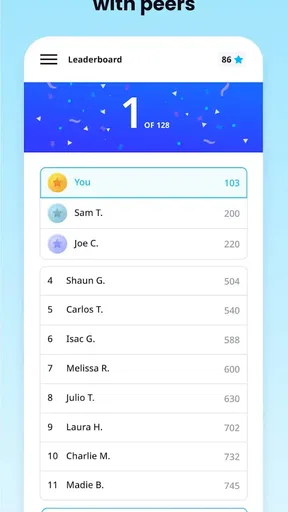
- Includes quizzes and interactive activities to improve engagement.
- Progress tracking makes it easy to monitor course completion.
Limitations of EdApp: Mobile LMS
- Some advanced authoring tools may require a paid plan.
- Course quality can vary depending on the content creator.
- Frequent notifications may feel distracting for some users.
- Small-screen editing is less convenient than using a desktop.
- A stable connection is needed to sync progress across devices.
Similar Picks in This Category
View All
LinkedIn: Community & Network
LinkedIn3.8

Zoom Workplace
zoom.com4.1

Microsoft Teams
Microsoft Corporation4.6

Meta Business Suite
Meta Platforms, Inc.4.6

Webex Meetings
Cisco Systems, Inc.4.5

TeamViewer Remote Control
TeamViewer4.4
Frequently Asked Questions
What is EdApp: Mobile LMS used for?
EdApp: Mobile LMS is a mobile learning platform designed for employee training, professional development, and educational courses. It lets learners access lessons from a smartphone or tablet, while organizations can create, assign, and monitor training programs. The app focuses on short, interactive lessons that are easier to complete during breaks or between daily tasks.
Does EdApp: Mobile LMS require an account or an invitation?
In most cases, you need an account connected to an organization, school, or training provider before you can access assigned content. Some courses may be available through a public library or shared course link, but access depends on how the administrator has configured the platform. If you cannot sign in, you may need an invitation or organization-specific login details.
Can I use EdApp: Mobile LMS offline?
EdApp is designed primarily for mobile access, and some learning content may be available after it has been downloaded or synchronized to the device. However, offline availability can depend on the course settings, account permissions, and app version. It is best to open the assigned lessons while connected to the internet first, then check whether they remain accessible without a connection.
What types of learning features does EdApp: Mobile LMS offer?
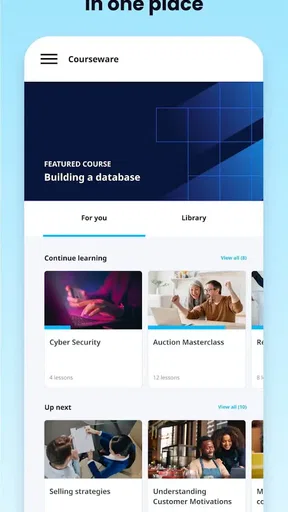
The app is built around bite-sized lessons and may include quizzes, interactive activities, progress tracking, reminders, and completion records. These features are intended to make training more engaging than reading long documents or watching lengthy presentations. The exact experience varies because administrators or course creators decide which lessons, assessments, notifications, and learning paths are included.
Is EdApp: Mobile LMS free to download and use?
The application may be free to download, but that does not necessarily mean every course or feature is free for all users. Access is often provided through an employer, educational institution, or training program with its own subscription or permissions. Before downloading, check whether your organization has already enrolled you and whether any required content is restricted to authorized users.
